Recruitment CRM: What It Should Do Beyond Storing Names
A staffing CRM has three jobs: win the client, deliver the role, collect the money. Most tools do the middle one and treat the other two as somebody else's problem.
Most staffing business development runs on a spreadsheet somebody built six months ago. A recruitment CRM is supposed to fix that, and usually does not, because it stores names rather than doing work. The test is simple: between a client call and the first search, where does the brief live? If the honest answer is an email or somebody's memory, the CRM is a filing cabinet.
Key takeaways
- Winning and delivering run on the same data. The brief captured during the sale is the input to the search. Separating the two systems guarantees it gets retyped and degraded.
- Business development is the weakest function in most staffing firms. Delivery gets process and tooling. BD gets a spreadsheet and good intentions.
- A prospect list should be built from signals, not from memory. Knowing which roles a company is hiring for right now is what turns a generic pitch into a specific one.
- The unit of the system is the relationship, not the requisition. Req-centric tools lose the history the moment the role closes.
Job one: building the prospect list
The starting point for most agency BD is a list that was accurate once. Companies have hired, frozen, restructured and been acquired since it was built, and nobody has the time to check.
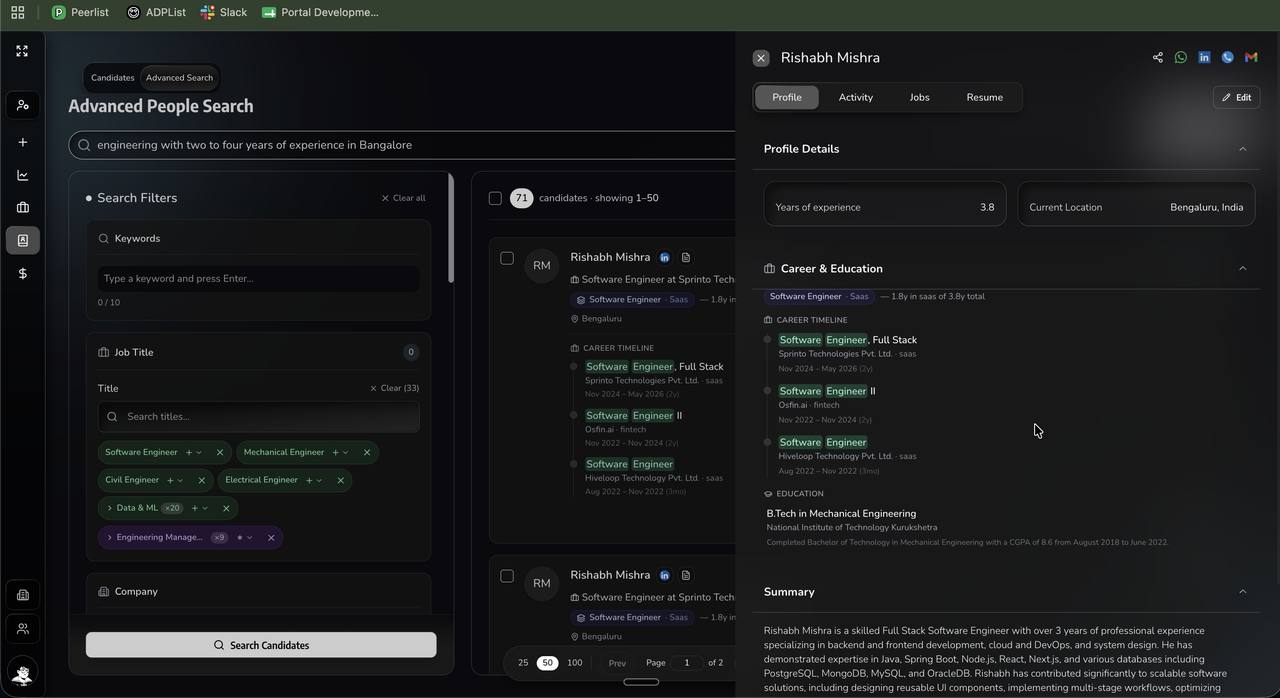
What changes this is turning list-building into a capture action rather than a data-entry task. In our platform, a recruiter looking at a relevant person on LinkedIn adds them as a lead or a point of contact in one click, with contact details fetched and the person filed against the right company.
That sounds small. It is the difference between a BD list that gets built and one that gets talked about, because the friction that kills prospecting is not the thinking. It is the twelve seconds of copying and pasting, repeated four hundred times.
Job two: knowing what to say
A prospect list tells you who to contact. It does not tell you why now, and "why now" is most of what earns a reply.
The useful input is what a company is actually hiring for at this moment. A firm with six open engineering roles and two of them stale for ninety days is in a very different conversation from a firm that posted one role last week.
Our platform researches what roles a target company is currently hiring for, so campaigns can be built around a specific and current fact rather than a general claim about your capabilities. Every agency in their inbox is saying it has great engineers. Very few are saying something true and specific about that company's current situation.
Job three: running the outreach
Once the list exists and the angle is specific, the sequence is a mechanical problem.
Promotional campaigns, reminders and nudges all run from the platform across the same channels used for candidate outreach. The sequencing logic is the same as it is on the candidate side, and so are the constraints, which we cover in response rates by channel.
| Function | Where it usually lives | Where it should live |
|---|---|---|
| Prospect list | A spreadsheet | The client record, built from LinkedIn in one click |
| Why to contact them now | Nowhere | Live research on what they are hiring for |
| Outreach sequence | Individual inboxes | Campaigns against the client record |
| The client brief | The salesperson's memory | Structured, on the job, from the call itself |
| Call and meeting history | Notebooks and transcripts | One timeline against the relationship |
Job four: capturing the brief from the call
This is where most firms lose the most value and never notice it happening.
A client call contains the requirement, the constraints, the timeline, the approval chain and the budget. In most firms, that call produces a two-line email to the delivery team, and everything else stays in the salesperson's head until someone asks a question three weeks later.
We built a staffing-specific notetaker for exactly this. It sits in the client call and produces a structured record rather than a generic transcript, because a generic meeting assistant does not know that "notice period" and "approval chain" are the two things that will decide whether this role gets filled.
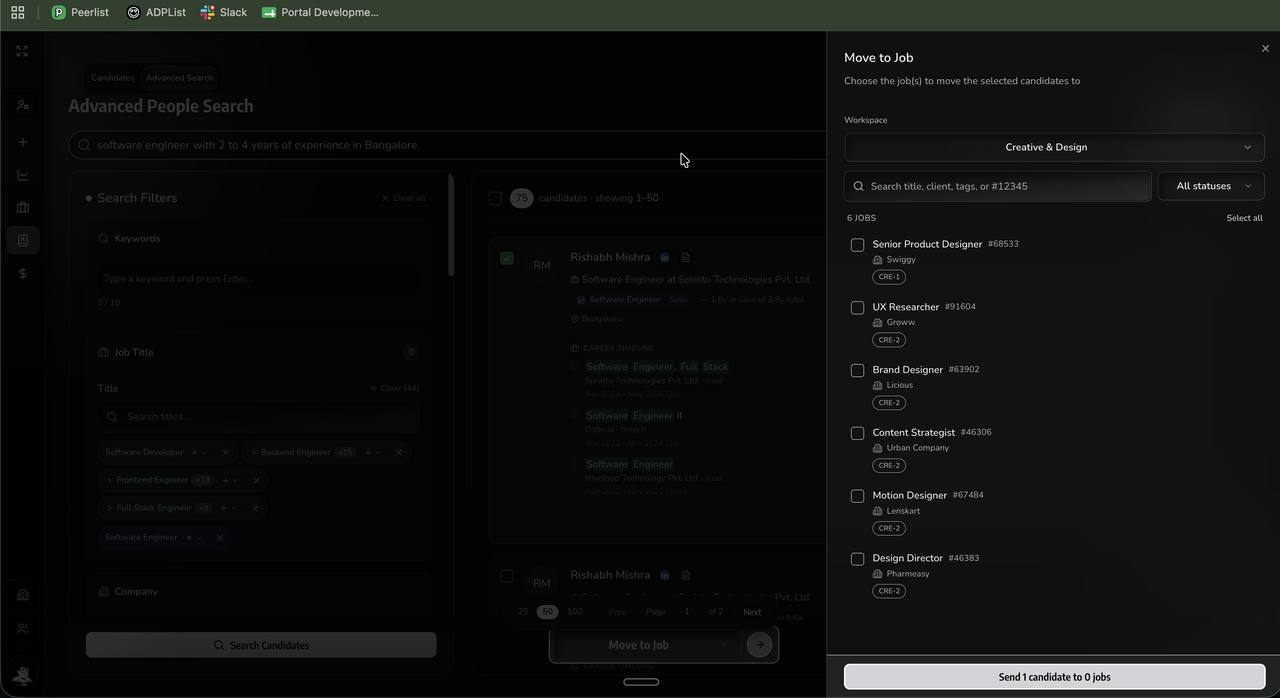
The delivery team then receives what the client actually said. From there it becomes a weighted scorecard, which is the input to the search, the screening questions and the submission summary.
Keeping the client without writing updates
Client updates are the task recruiters skip most reliably, and the omission is one of the most common reasons a client quietly moves to another agency.
It is rarely neglect. The update requires assembling information from four places, and by Friday afternoon the recruiter has decided it can wait until Monday. Repeat that for six weeks and the client concludes nothing is happening.
The fix is that the update should not require writing. Progress on a role already exists in the system: candidates sourced, contacted, screened, submitted, scheduled. A report that assembles itself and goes out on a schedule removes both the task and the excuse.
The second-order effect matters more. A client receiving a weekly update stops asking for one, which removes an interruption from the recruiter's week and changes the tone of the relationship from chasing to reporting.
Collecting what you are owed
Receivables sit awkwardly in most staffing firms, and the awkwardness is structural rather than cultural.
Finance owns the invoice but has no relationship with the client. The recruiter has the relationship but never sees the ageing. So a stuck invoice sits for ninety days on a query that one phone call would have resolved in four minutes, because the person who could make that call does not know it exists.
Putting contracts, compliance documents, invoices and payment status on the same record as the placement fixes the visibility half of the problem. The recruiter who made the placement can see that the invoice is overdue, and is the person best placed to resolve it.
It does not fix the other half. A client who cannot pay will not pay because your CRM told a recruiter about it. But most overdue staffing invoices are not solvency problems, they are administrative ones, and administrative problems respond well to being seen.
Why a requisition-centric recruitment CRM loses the plot
An ATS organises around the requisition. When the req closes, the record closes with it.
But the asset is the relationship. The hiring manager who becomes a director somewhere else. The candidate you placed who becomes a client three years later. The client who went quiet for a year and came back with four roles.
A req-centric system holds none of that in a usable form, because none of it belongs to a requisition. Organising around the relationship instead is not a feature difference. It is a different answer to the question of what the business actually owns.
What to ask a CRM vendor before you buy
Six questions that separate a system that does work from one that stores names.
- Show me a client brief being captured from a live call. Not a form somebody fills in afterwards. The call itself.
- How does a prospect get into the system? If the answer is manual entry or a CSV import, business development will not happen consistently.
- Where does call, meeting and message history live? One timeline against the relationship, or four places?
- What happens when the person who owns this client leaves? This is the question owners ask last and regret asking last.
- Can a recruiter see invoice ageing on their own placements? If not, collections will always be a finance problem that finance cannot solve.
- Is this the same system as the ATS, or an integration? An integration means reconciliation, and reconciliation means somebody doing it by hand every month.
Question four is the one worth pushing on. In staffing, relationships are the asset, and a CRM that lets them walk out of the door with a departing salesperson has failed at the only thing it was bought for.
Recruitment CRM versus a general sales CRM
Plenty of staffing firms run a general sales tool alongside their ATS. It works until it does not, and the failure is always the same.
| Dimension | General sales CRM | Recruitment CRM |
|---|---|---|
| Core object | Deal or opportunity | Client relationship, with roles beneath it |
| Understands a requisition | No, it is a custom field | Natively, with submissions attached |
| Links to candidates | None | Same system, same record |
| Reporting | Pipeline value | Fill rate, submissions, margin per desk |
| Reconciliation with the ATS | Manual, monthly | None required |
| Where it genuinely wins | Mature workflow tooling and integrations | Narrower ecosystem |
The last row is real and worth conceding. A general sales CRM has a decade of workflow maturity behind it. What it does not have is any concept of a submission, which means every report about delivery has to be rebuilt by hand from two systems that disagree.
What a recruitment CRM will not fix
Three things, worth saying plainly.
It will not make anyone do business development. A CRM removes friction from prospecting. It does not create the willingness to prospect, and in most staffing firms that willingness is the actual constraint.
It will not make a client pay. Putting invoice ageing in front of the recruiter who holds the relationship makes the problem visible to the one person who can resolve it. Visibility is usually the missing piece, but it is not the same as collection.
It will not survive a team that keeps a shadow spreadsheet. If half the pipeline lives outside the system, every report built from it is wrong in a direction nobody can measure. That is an adoption problem, not a software one.
Frequently asked questions
What is a recruitment CRM?
A system that manages the client and prospect relationships that generate roles, as distinct from an ATS which manages candidates through a hiring process. Staffing firms need both, and running them as separate systems means the client brief gets retyped and the relationship history gets split.
What is the difference between an ATS and a recruitment CRM?
An ATS is organised around the requisition and closes the record when the role closes. A CRM is organised around the relationship, which outlives any individual role. The hiring manager who moves companies and the client who goes quiet for a year are both CRM problems that an ATS cannot hold.
Can a recruitment CRM add leads from LinkedIn?
Ours does, in one click from the profile, including fetching contact details and filing the person against the right company. The alternative is a recruiter copying a name into a spreadsheet, which is where most staffing business development quietly dies.
Do staffing firms need a separate sales tool?
Most do not, and the separation causes more problems than it solves. A generic sales CRM does not understand requisitions, submissions or placements, so the two systems end up being reconciled by hand every month.
How does a CRM help with business development?
By replacing a static prospect list with live signals. Researching which roles a company is currently hiring for turns a generic pitch into a specific one, and specificity is most of what separates a reply from a deletion.
What is a staffing-specific notetaker?
A meeting assistant that understands recruitment context, so a client call produces a structured brief with requirements, constraints and timelines rather than a generic transcript. The value is that the delivery team receives what the client actually said, not what the salesperson remembered.
Adoption is where staffing CRMs actually fail
Almost every staffing firm has bought a CRM. Very few have one that reflects reality, and the gap is not a software gap.
A CRM is only accurate if the people who hold the relationships put things into it, and those people are usually the highest billers, who have the least patience for admin and the most leverage to opt out. One senior salesperson keeping their own pipeline in a spreadsheet makes every forecast wrong in a direction nobody can quantify.
Two things fix this and neither is a feature. First, capture has to be automatic enough that using the system is easier than not using it. Second, the reports leadership actually runs have to come from the system, so that staying outside it means being invisible rather than being left alone.
If your CRM rollout is being resisted, the question to ask is not what feature is missing. It is what the top biller gains by using it, and the honest answer is often nothing yet.
The diagnostic to run this week
Ask your team one question: between the client call and the first search, where does the brief live?
If the honest answer involves an email, a WhatsApp message or somebody's memory, that gap is costing you submissions on every role you work, and it is invisible in every report you currently look at.
See a client call turned into a working brief
Bring a recorded client call or run a live one. We will show you the structured brief that comes out of it and the scorecard built from that.
Book a demoFounder of Sortinghat, an AI-native ATS and CRM for staffing, search and RPO firms. Writes about recruiter capacity, sourcing economics and what actually changes when AI reaches a delivery desk. More about the author
Related reading
Hiring Scorecards: How to Turn a Job Description Into Weighted Evaluation Criteria
BenchmarksCandidate Response Rates by Channel: Call, WhatsApp and Email Compared
WorkflowRecruiter Admin Time: Where the Hours Actually Go, and What Automatic Capture Removes
Product Comparison 101Sortinghat vs Recruit CRM: The 2026 Comparison for Growing Recruitment Agencies