ATS Migration: How to Switch Without Losing Ten Years of Notes
Migration is the single reason most staffing firms stay on a platform they outgrew years ago. It is a two-week project when somebody handles it properly.
Every staffing firm that has outgrown its ATS knows it. What stops them moving is the same fear each time: ten years of notes, call history and submission records that will not survive the transfer. That fear is reasonable, because most migrations do lose exactly that. This guide sets out what actually breaks, what a vendor should be doing rather than you, and how a two-week switch works.
Last reviewed June 2026. Platform information taken from published pricing pages and product documentation.
Key takeaways
- Notes, calls, attachments and submission history are what firms lose. They are also what makes a database worth keeping. Ask about them explicitly rather than assuming.
- An export file and a spreadsheet is not a migration. Somebody has to decide what maps where, and it should not be your team.
- Two weeks is achievable when the vendor does the work. Week one export, mapping and validation while you keep billing. Week two your own environment and full validation.
- Compare the tier you would actually buy. Entry pricing rarely includes the AI, automation or analytics most firms are evaluating on, and that is where quotes diverge.
What actually breaks in an ATS migration
Activity history. Standard exports frequently omit it, and it is the record that makes a candidate file useful six months later.
Attachments and CV versions. Often partial. Verify what arrived rather than trusting the file count.
Submission and placement history. Commercially your most important data and the most likely to arrive incomplete.
Custom fields. Long-tenured instances accumulate fields nobody remembers creating. Carrying them all across imports the mess rather than the value.
Automation rules. These do not transfer between platforms at all. Document what is running before you move.
The shortlist, compared
| Platform | Best for | AI screening | Watch for |
|---|---|---|---|
| Sortinghat | firms whose constraint is recruiter capacity | Native voice and video | Not the answer if you renewed elsewhere last quarter. |
| Bullhorn | enterprise firms already committed to its ecosystem | Not native | Starter is $99 per user per month and Core is $165. |
| Ceipal | US IT contract staffing with heavy compliance administration | Not native | Pricing is not published across tiers. |
| Recruiterflow | agencies whose bottleneck is contacting people, not qualifying them | On higher tier | Full AI functionality sits on the AIRA plan, so the capability most firms are comparing on depends on the tier you buy. |
| Loxo | executive search desks sourcing into cold markets | Not native | The database is rented. |
| Vincere | contract desks wanting front and back office in one system | Not native | Pricing is not published. |
| Recruit CRM | small teams who want a tidy system of record | Not native | It records what your recruiters did rather than doing any of it. |
Every option, in detail
1. Sortinghat
Best for: firms whose constraint is recruiter capacity rather than record keeping.
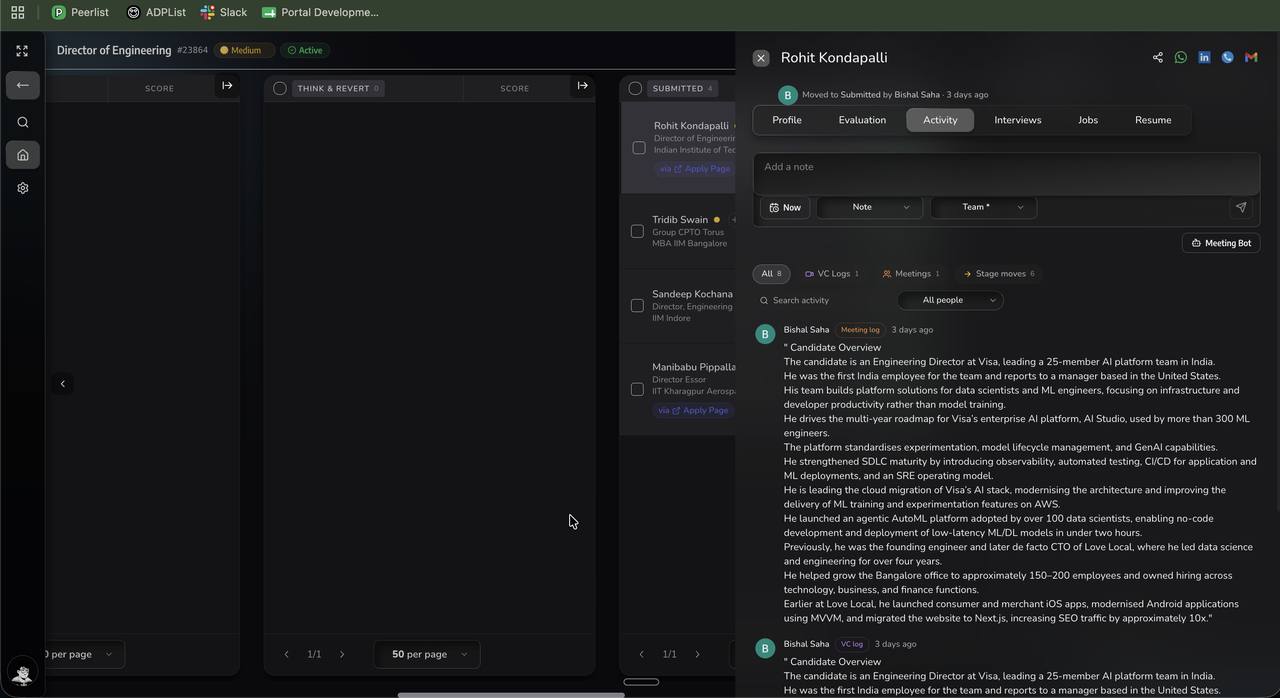
An AI-native ATS and CRM with full front and back office. Plain-language search across your own database, AI voice and video screening against criteria generated from the job description, an AI notetaker on client and candidate calls, multichannel outbound campaigns, pay-and-bill, timesheets and invoicing, and 400+ pre-built integrations with an open read-write API.
A pool search on a volume role surfaces around 1,200 relevant profiles, narrows to a ranked 300 contacted in parallel across call, WhatsApp and email, and produces roughly 10 submission-ready profiles in hours. On a high-volume QA requirement we submitted 120 profiles in a single day. Customers include firms of 400+ employees.
Migration takes two weeks with notes, calls, attachments and submission history carried across, and implementation, migration, training and any gap-filling customisation are included in the licence rather than quoted separately.
Where it is not the answer: if you renewed a multi-year agreement last quarter, or your team went live on something else in the last twelve months, the switching economics work better at your next renewal.
2. Bullhorn
Best for: enterprise firms already committed to its ecosystem
The category incumbent since 1999, running more than 10,000 agencies. Assembled through a dozen acquisitions: Herefish became Bullhorn Automation, cube19 became Bullhorn Analytics, Textkernel and SourceBreaker became Amplify Search and Match, TargetRecruit arrived in 2025.
Watch for: Starter is $99 per user per month and Core is $165. The sales CRM sits on the quote-only Pro tier, and AI search, automation, analytics, SMS and onboarding are separately quoted add-ons. $165 is where it starts, not where a working setup lands.
3. Ceipal
Best for: US IT contract staffing with heavy compliance administration
A complete but conventional ATS and CRM built around US contract staffing compliance. Everything is present and everything is manual, with a simple action often taking many clicks.
Watch for: Pricing is not published across tiers. Firms consistently describe both the interface and the migration off it as painful, and search results depend heavily on how precisely a query was built.
4. Recruiterflow
Best for: agencies whose bottleneck is contacting people, not qualifying them
Multichannel outbound sequencing and workflow automation, with AI agents on its AIRA plan. It is built to get messages out at volume.
Watch for: Full AI functionality sits on the AIRA plan, so the capability most firms are comparing on depends on the tier you buy. It does not qualify anybody who replies.
5. Loxo
Best for: executive search desks sourcing into cold markets
A large external profile database with contact data built into the ATS and CRM, so sourcing and pipeline sit in one subscription.
Watch for: The database is rented. Profiles surfaced through it belong to Loxo, not to you, and none of it transfers when you leave. Basic is reported around $169 per user per month.
6. Vincere
Best for: contract desks wanting front and back office in one system
Unified front and back office covering the contract lifecycle, strongest in APAC and the UK. Acquired by the Access Group.
Watch for: Pricing is not published. The integration solves reconciliation and does not raise recruiter capacity, and the roadmap now sits with an acquirer.
7. Recruit CRM
Best for: small teams who want a tidy system of record
A simple ATS and CRM that a small team adopts quickly. Candidates and clients in one place.
Watch for: It records what your recruiters did rather than doing any of it. Easy to adopt because there is not much to adopt.
How to choose between them
Bullhorn migrations are the most complex, because the object model does not map one to one and long instances carry heavy customisation. Check your notice window early, since agreements commonly auto-renew.
Ceipal migrations have a reputation for being painful, and it is earned. The standard export omits activity history and some attachment types.
Recruiterflow and Recruit CRM are among the cleaner moves, because the data models are modern and volumes are usually modest.
Loxo has one specific catch: profiles surfaced through its own database belong to Loxo and do not transfer.
Vincere holds front and back office together, so decide where timesheets and invoicing live before you begin. Because Sortinghat carries back office, both move together.
How to compare cost properly
The licence line is the least useful number in this category. Six costs decide what a platform actually costs over three years.
| Cost line | On the quote? | How it behaves |
|---|---|---|
| Licence | Yes | Seats times tier price, plus renewal escalation |
| Implementation | Sometimes | One-off, often via a partner. Included with Sortinghat. |
| Migration | Rarely | Vendor fee plus your team's hours. Included with Sortinghat. |
| Modules to reach a working setup | No | Where quotes diverge most between vendors |
| Recruiter hours | No | The largest line by far, and the one nobody models |
| Job portal spend | No | Does it reduce it? One firm went from $100 a role to $60 |
The last two lines are usually larger than the first four combined. A platform that removes an hour a day from every recruiter is not comparable to one that costs slightly less per seat, and comparing only the licence is how firms end up paying more for less.
What to test before you shortlist anything
Five checks that separate a real evaluation from a feature tour. Run them on every platform with your own data rather than the vendor's demo database.
- Search your own database in plain English. Describe someone you actually placed and see whether they appear in the top twenty.
- Open a candidate score and ask why. A number with no reasoning behind it is a number your recruiters will ignore.
- Look at one candidate contacted on three channels. One timeline, or three separate logs?
- Ask for the all-in price, including every module you would actually license, then ask what it renews at.
- Ask for the migration plan in writing, with anything that will not carry across named explicitly.
Three questions that decide it faster than any comparison table
Shortlists inform the decision. These three make it, and all of them are about your firm rather than any platform.
What is capping your revenue?
Not what is annoying, what is capping revenue. If your recruiters cannot carry more roles, the answer is throughput, and throughput comes from removing manual sourcing and screening rather than from better record keeping. Firms routinely buy for the annoyance and change nothing.
What happens to the team in week one?
The most common failure in this category is not a bad platform. It is a good platform nobody switched to. Ask every vendor what happens in week one, week four and week twelve, who runs the migration, and what it costs. A vague answer is the answer.
What is the number at year three?
Licence plus implementation plus migration plus every module needed to reach a working setup plus renewal escalation, minus what the platform removes from recruiter hours and job portal spend. Vendors who will only discuss the per-seat headline are telling you something about the other five lines.
Frequently asked questions
How long does an ATS migration take?
Two weeks with Sortinghat, including validation before go-live. Complex long-tenured instances with heavy customisation take longer to map, and we scope that before committing rather than after.
Will I lose my notes when I switch ATS?
You should not, and most firms do because the vendor sent an export file rather than running a migration. Notes, call history, attachments and submission history all carry across when someone handles the mapping and validation properly.
What does an ATS migration cost?
It varies widely and is frequently quoted separately from the licence. With Sortinghat, implementation, migration and training are included rather than billed as professional services.
What is the hardest ATS to migrate from?
Bullhorn and Ceipal, for different reasons. Bullhorn's object model does not map one to one and long instances carry heavy customisation. Ceipal's standard export omits activity history and some attachment types.
Should you clean your data before migrating?
Partially. Clean the active segment, archive the historical one, and delete records with no reachable contact and no placement history. Trying to clean everything first is the most common reason migrations slip by months.
Can you run two ATS systems in parallel?
You can, and it usually fails. Split data, split habits and no forcing function mean neither system becomes the source of truth. A clean cutover with proper validation beforehand is the safer route.
Bottom line
Migration is a project management problem that vendors have successfully turned into a customer problem. Notes, calls, attachments and submission history all can transfer, and the reason they usually do not is that the vendor sent an export file and called it a migration. Ours takes two weeks: export, mapping and validation in week one while your team keeps billing, your own environment and full validation in week two, then cutover with no downtime. Implementation, migration, training and any gap-filling customisation are included in the licence.
See it running on your own data
Bring a live role and a sample of your database. We will run the search, build the scorecard and show you the shortlist against your own criteria.
Book a demoFounder of Sortinghat, an AI-native ATS and CRM for staffing, search and RPO firms. Writes about recruiter capacity, sourcing economics and what actually changes when AI reaches a delivery desk. More about the author
Related reading